Give Amos the hard part
Hand Amos a topic, not just a question. Work through lectures, tangled ideas and whole courses until they stick.
- Derivatives
- Punnett squares
- Eigenvectors
- Supply & demand
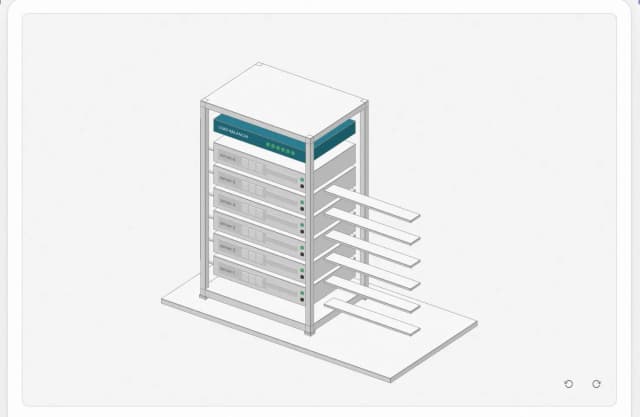 Load balancing
- Break-even
- Flashcards
- Titration
- Backpropagation
- Net present value
- Exam review
- Taylor series

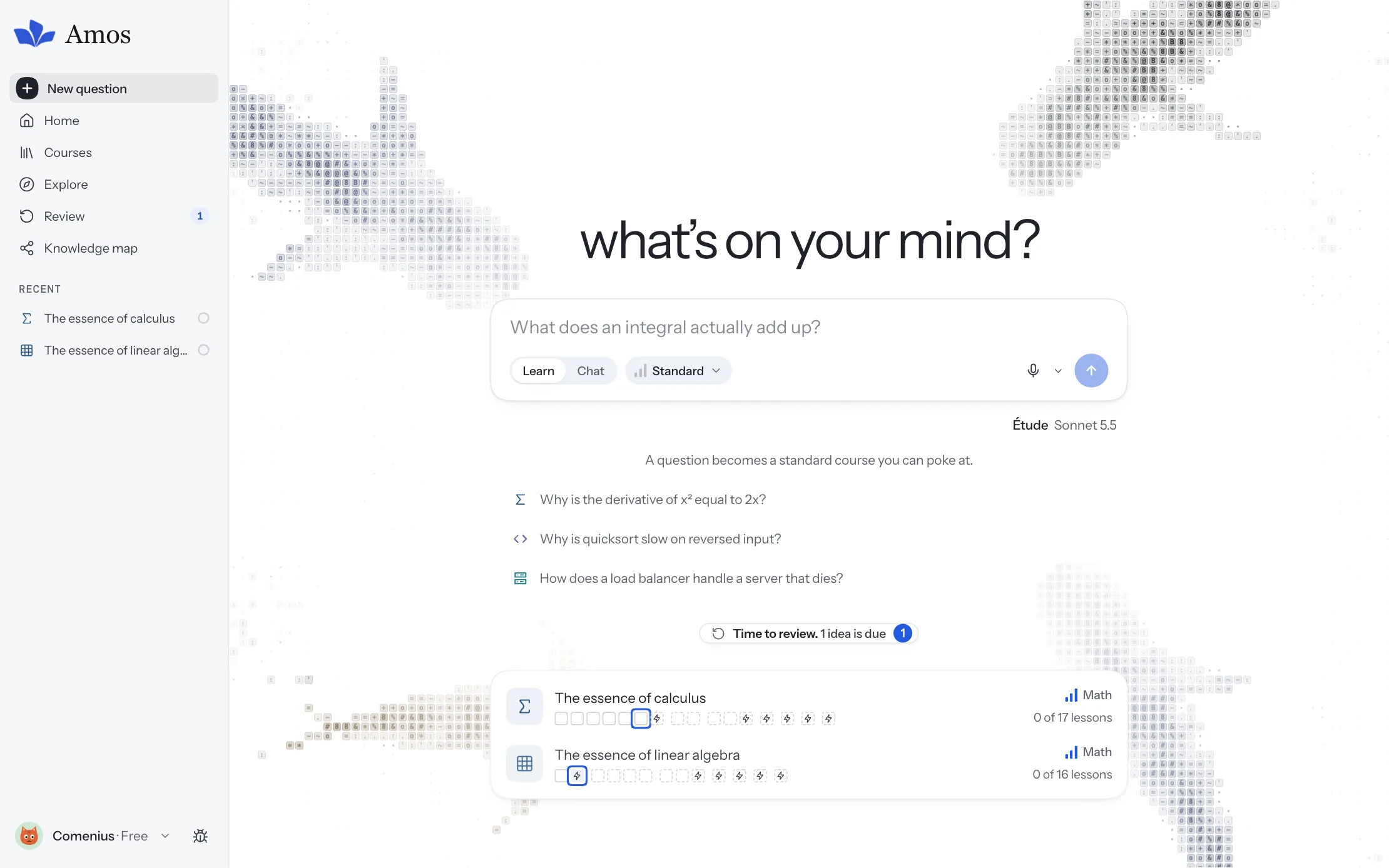
01
Understand it, not just read it
Ask for more than an answer: a lesson that shows the idea, has you try it, and checks you’ve got it before moving on.
02
Turn notes into a course
Bring a stack of slides or a half-understood topic and get back lessons in your course’s order, citing its pages.
03
Keep what you learn
Flashcards, spaced review and a map of what you know bring ideas back before they fade.
Inside every course
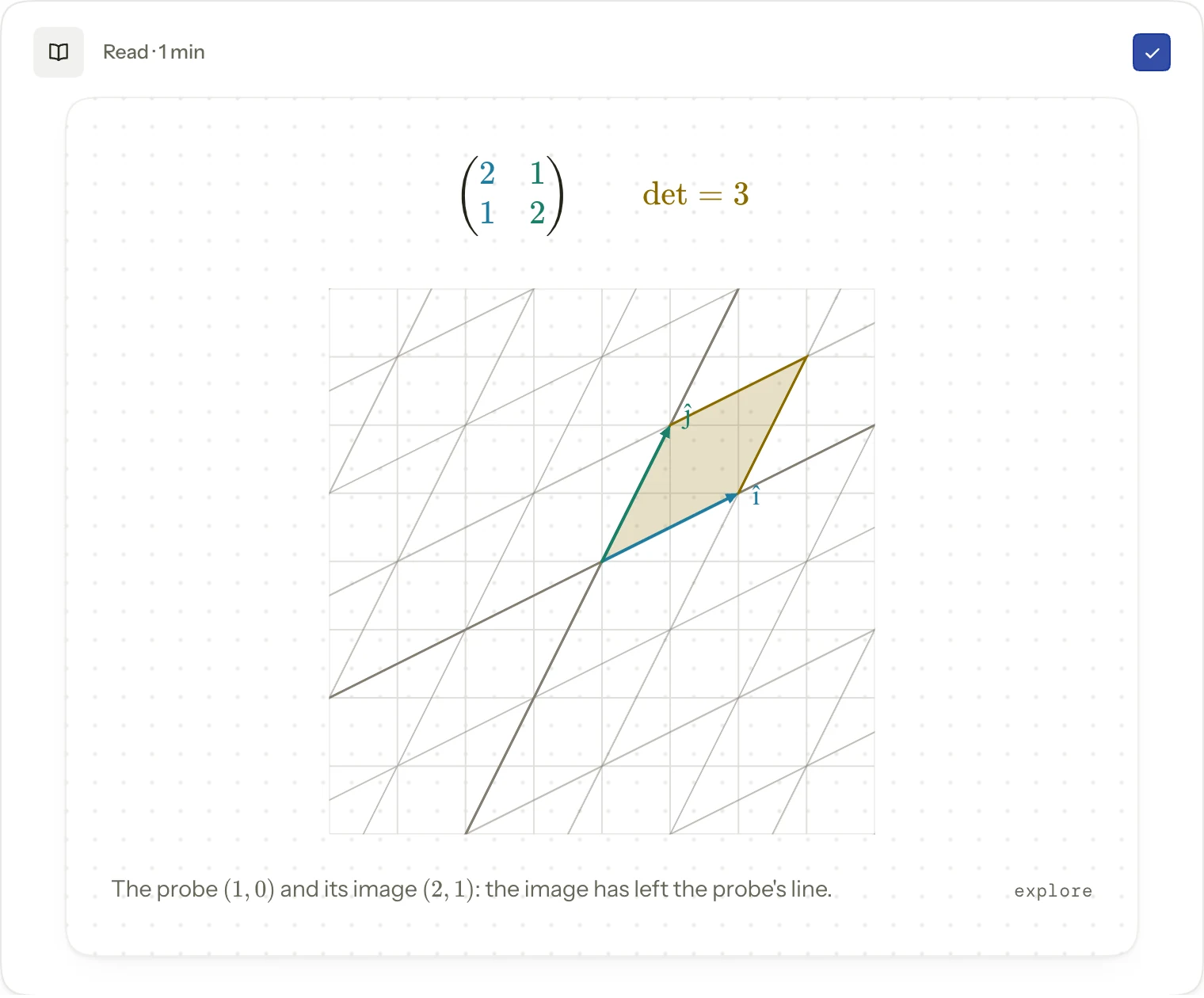
Move the idea
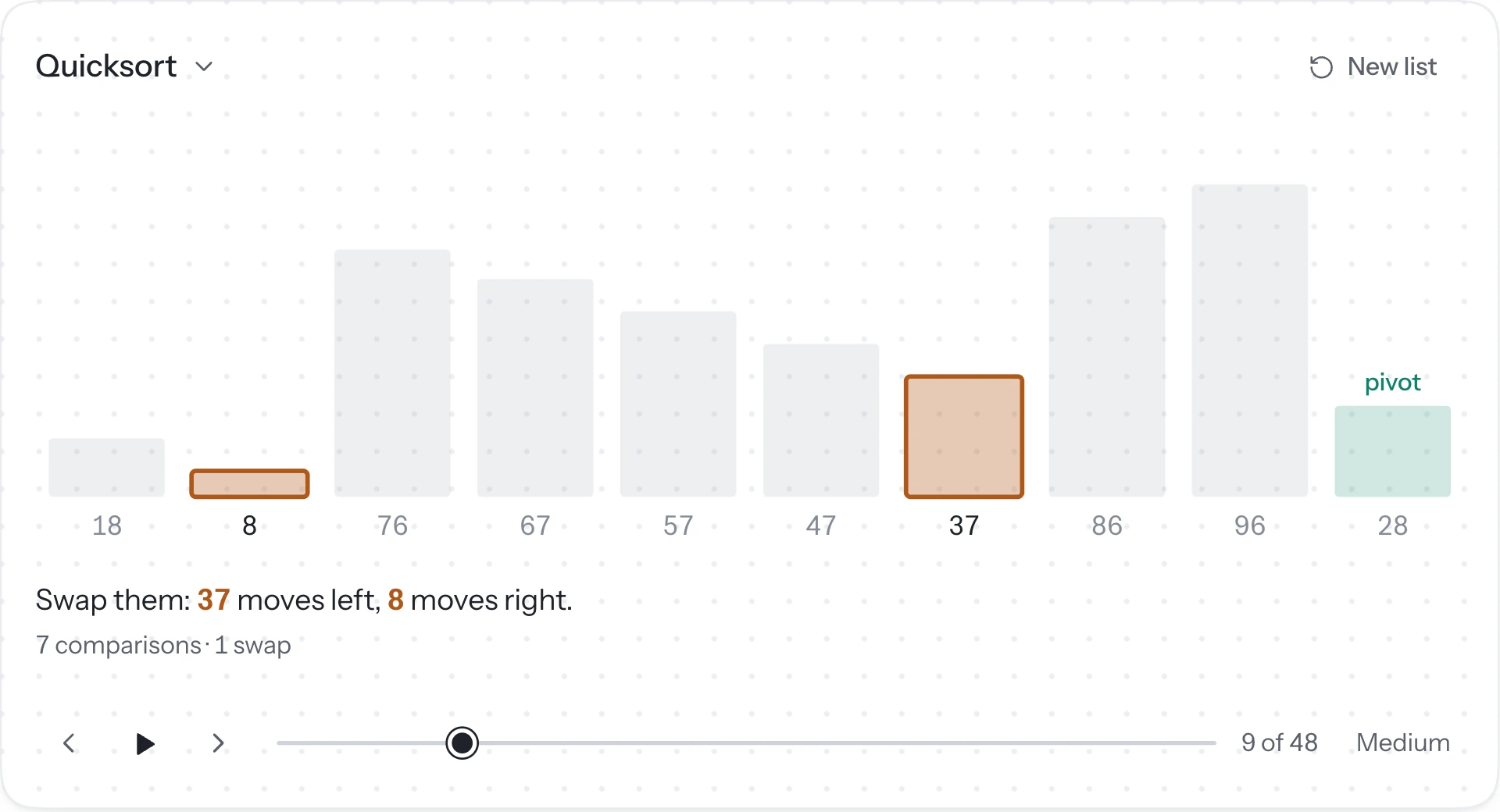
Visuals you can drag and play with, drawn for the idea at hand. Here a matrix turns the whole plane.
Check yourself as you go
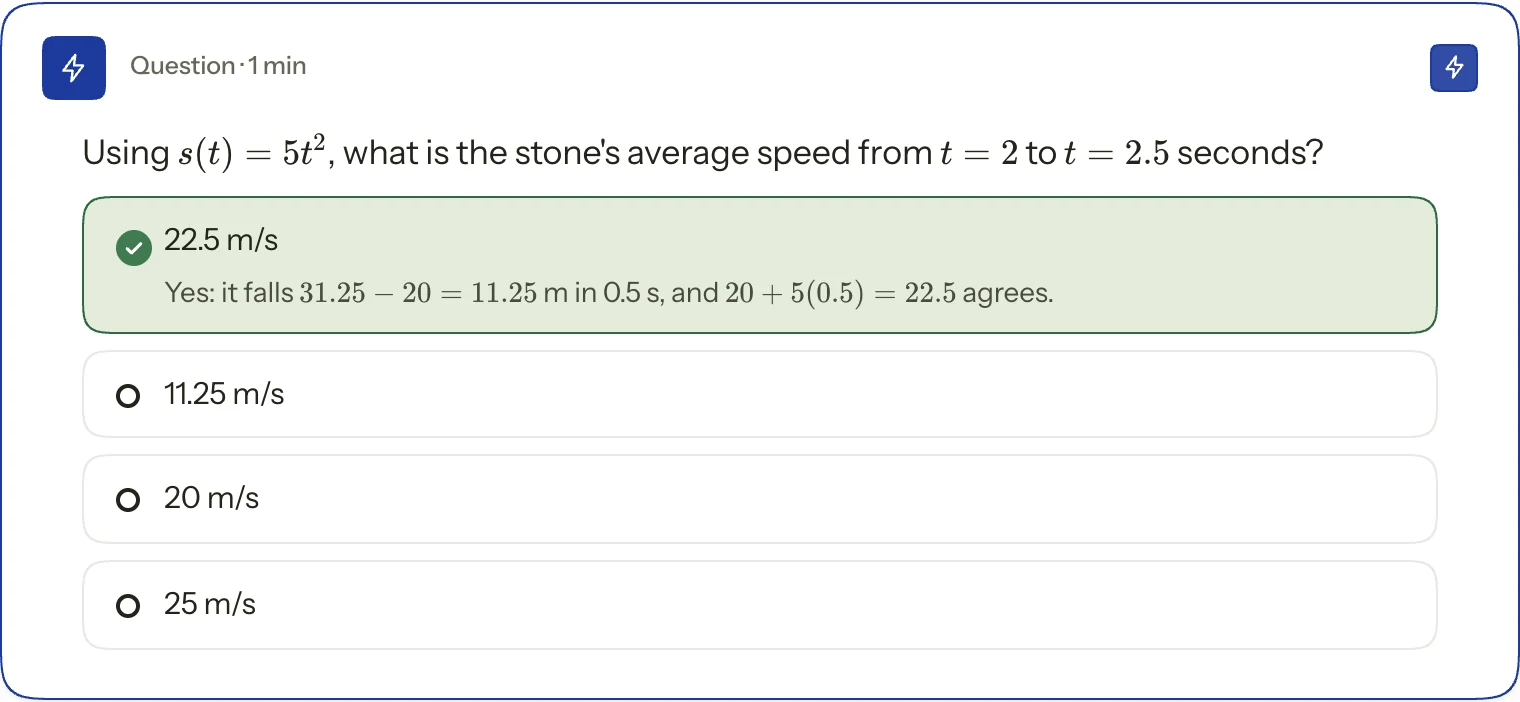
Questions inside each lesson say why an answer is right, so a gap shows up while it’s still small.
Follow a whole course
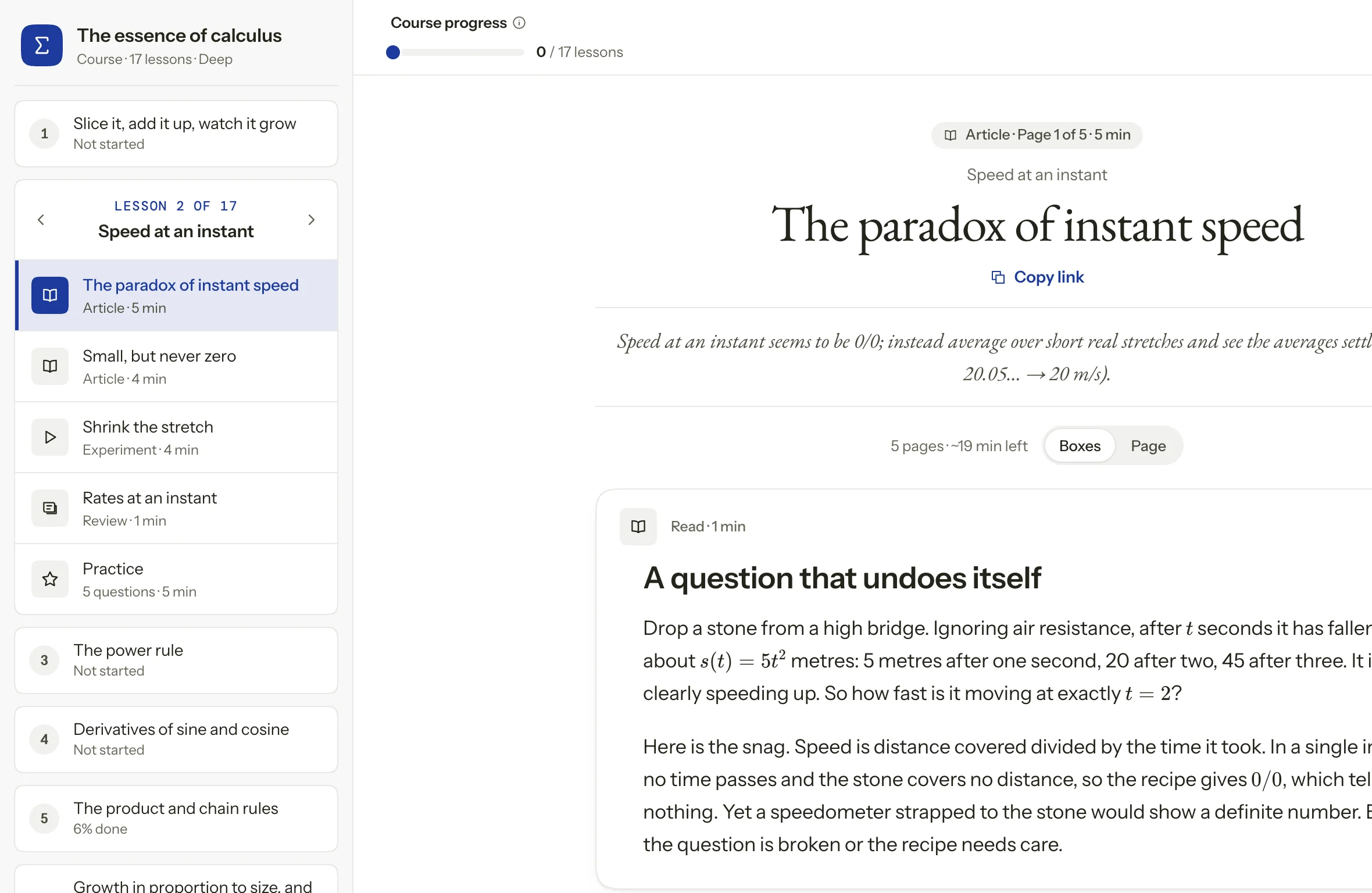
Lessons in order with your place kept, from the first picture to the last proof. No account needed.
Put Amos to work
Hand it a lecture before class, a question between them, or a review before bed. Pick your subject to see what it does with each.
Three things you might ask
I missed Tuesday’s lecture. Here are the slides. Get me ready for today.
- Reading Lecture 6 slides, 42 pages
- Planning 4 steps in the lecture’s order
- Building a visual for slide 18
- Three questions to check before class
Pulling an idea back out of memory does more for it than reading it again. So Amos asks before it tells, and checks as you go.
Based on the testing effect
Roediger & Karpicke, Psychological Science, 2006
Change the way you study
01
You don’t need the right words
Ask the way you’d ask a friend on your course. Amos works out what you already know and where to start.
02
You check it, not just read it
Every lesson asks before it tells. Questions, predictions and explaining it back show the gaps that rereading hides.
03
You don’t start over
Amos remembers what you’ve learned, keeps your courses and notes together, and brings back what’s due.
See what Amos can do
- Learn anything
- Quick answers. Ask anything and get a clear answer with a picture. Stop there, or turn it into a lesson.
- Full courses. A plan you approve, then lessons that build to what you asked.
- Your chats. Answers as a conversation, with every chat kept, searchable and pinnable.
- Starts from you. A few questions on what you already know shape where the lessons begin.
- Étude and Sonata. Two models: Étude for everyday learning, Sonata for the hardest topics.
- See it move
- Interactive visuals. Graphs, diagrams and simulations you drag and play with, drawn for the idea at hand.
- Step-throughs. Algorithms, proofs and derivations one step at a time, forwards and back.
- Live systems. Servers, queues and networks you can load up and break.
- Practise
- Quizzes. Questions as you go, so a gap shows up while it’s still small.
- Explain it back. Put an idea in your own words. Amos finds the part that’s missing.
- Worked problems. Solve one alongside a worked example, then one on your own.
- Remember it
- Flashcards. Key terms become cards on their own, spaced to how well you know each one.
- Daily review. A short review each day brings back what’s due.
- Your map. What you know, what each idea builds on, and the gaps in between.
- Your course
- Lecture notes. Upload PDFs, slides or photos of handwritten notes.
- Your notation. Lessons follow your lecturer’s order and symbols.
- Cited pages. Each idea links back to the page it came from.
- Make it yours
- Themes. Paper, Cobalt or dark, and live wallpapers for the ask page.
- Explore library. Free courses on calculus, linear algebra and neural networks, no account needed.
- Phone and laptop. Study on whatever screen is in front of you.
I’m studying Maths and I need speed at an instant.
Subject
Calculus
Speed at an instant
Task
FAQ
What is Amos?
A place to learn things properly. Ask about anything you’re studying, or add your lecture notes, and it builds lessons you work through: a short explanation, visuals you can move, step-throughs and questions that check you’ve got it.
What can I use it for?
Understanding a topic from your course, catching up on a lecture you missed, working through a module in order, or getting ready for an exam. It’s there to help you understand the material, not to do your assignments for you.
Do I need my own lecture notes?
No. Ask about anything and Amos teaches it from scratch. Add notes when you want lessons to follow your course, its order and notation, and cite its pages.
Which subjects does it cover?
Anything you can ask about. It’s strongest in computer science, software engineering, maths, economics and business, where its visuals and step-throughs do the most.
Can I try it without an account?
Yes. The Explore library has free courses on calculus, linear algebra and neural networks that anyone can take.
How much does it cost?
Free has an allowance every 5 hours and every week, enough to try it on your own course. Pro and Max give you more room for a full term. See pricing.
Who can see my notes?
Only you. Your files are stored privately and used only to make your lessons. The privacy policy has the details.
Not sure where to start? Ask Amos.
Bring the topic you’re stuck on and see it make sense.